The dream of owning a capable laptop no longer requires emptying your bank account. In 2026, a wealth of options under ₹15,000 offer surprising performance for everyday tasks, student projects, and even light professional work. We’ve sifted through the market to bring you the best value, ensuring you get the most bang for your buck without compromising on essential features.
Key Takeaways
- Several 2026 models offer integrated SSDs, significantly boosting boot times and application loading speeds in the sub-₹15,000 segment.
- Look for laptops with at least 8GB of RAM to ensure smooth multitasking, even with several browser tabs open.
- Consider the operating system: some budget laptops come with Windows pre-installed, while others offer freeDOS or Linux, requiring a separate OS purchase or adaptation.
- For students, prioritise portability and battery life, while professionals might need to focus on connectivity options like USB-A and HDMI ports.
Navigating the Specs: What Truly Matters Under ₹15,000?
When you’re looking at laptops priced below ₹15,000 in 2026, it’s easy to get lost in a sea of technical jargon. However, a few key specifications will make the biggest difference to your daily experience. Processor speed is paramount; while you won’t find high-end Intel Core i7s here, look for recent Intel Celeron, Pentium Silver, or AMD Athlon processors. These offer a good balance of performance and power efficiency for everyday tasks.
RAM (Random Access Memory) is your next crucial consideration. Aim for a minimum of 8GB of RAM. This allows your laptop to handle multiple applications and browser tabs simultaneously without significant slowdowns. Many models in this price bracket might still offer 4GB, which can feel sluggish for modern computing. Storage is another area where significant improvements have been made. While older budget laptops relied on slow Hard Disk Drives (HDDs), many 2026 models now feature Solid State Drives (SSDs). An SSD, even a smaller 128GB or 256GB one, will dramatically improve boot times, application loading, and overall system responsiveness. If a laptop offers both an SSD and an HDD, the SSD is generally preferred for the operating system and frequently used applications.
The Rise of SSDs: A Game Changer for Budget Laptops
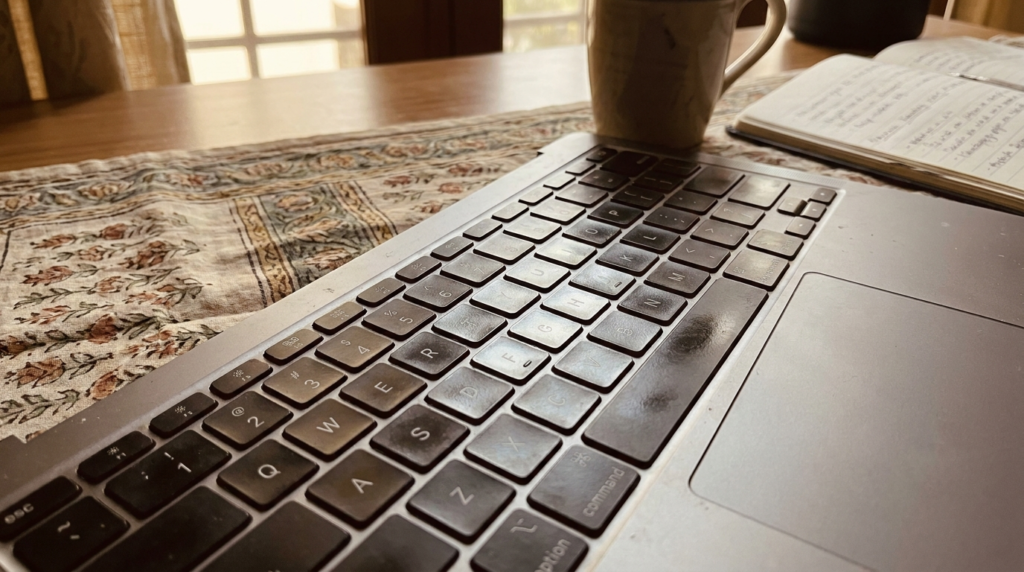
The integration of Solid State Drives (SSDs) into laptops under ₹15,000 has been a watershed moment for budget computing in India. For years, budget machines were hobbled by the slow read and write speeds of traditional Hard Disk Drives (HDDs). This meant painfully long boot times, sluggish application launches, and a general feeling of lag, even for simple tasks. In 2026, however, you can find many new models shipping with SSDs, transforming the user experience.
An SSD uses flash memory to store data, offering speeds that are orders of magnitude faster than HDDs. This translates directly to a snappier, more responsive system. Imagine booting your laptop from a completely off state to a usable desktop in under 30 seconds, a feat that was unthinkable on many budget laptops just a few years ago. SSDs also consume less power and produce less heat, contributing to better battery life and a more comfortable user experience. While 128GB SSDs are common in this segment, a 256GB SSD offers more breathing room for your operating system, applications, and personal files. If you encounter a laptop with a smaller SSD, check if it offers a secondary HDD for bulk storage.
Connectivity and Display: Making the Most of Your Visuals
While you shouldn’t expect vibrant, colour-accurate displays on laptops under ₹15,000, the quality has improved significantly. Most models in 2026 will feature 14-inch or 15.6-inch HD (1366×768) displays. While Full HD (1920×1080) is rare at this price point, the HD resolution is perfectly adequate for everyday tasks like browsing the web, typing documents, and watching videos. Look for displays with decent brightness levels, especially if you plan to use your laptop in well-lit environments. Anti-glare coatings can also be a welcome addition, reducing reflections and improving readability.
Connectivity is another area where you need to be discerning. Essential ports include USB-A ports for connecting peripherals like mice, keyboards, and external drives. Most budget laptops will offer at least two USB-A ports. A HDMI port is crucial for connecting your laptop to an external monitor, projector, or TV, which is incredibly useful for presentations or expanding your workspace. You’ll also want to ensure it has Wi-Fi connectivity, typically Wi-Fi 5 (802.11ac) or even Wi-Fi 6 (802.11ax) for faster and more stable wireless internet. Bluetooth is also standard, allowing you to connect wireless headphones, speakers, and other accessories. Some models might also include an SD card reader, which can be handy for transferring photos and videos from cameras.
Operating Systems: Windows vs. FreeDOS – A Crucial Choice
One of the most significant differentiators among budget laptops in 2026 is the operating system (OS). You’ll frequently see two main categories: those that come with Windows pre-installed and those that ship with FreeDOS or a Linux distribution. This choice has substantial implications for both cost and usability.
Laptops with pre-installed Windows, typically Windows 11 Home, offer an out-of-the-box experience familiar to most users. You can start using your laptop immediately after setup without any additional software purchases or complex installations. However, the cost of the Windows license is factored into the laptop’s price, meaning a similar hardware configuration without Windows might be cheaper.
Conversely, FreeDOS or Linux-equipped laptops are often more budget-friendly. FreeDOS is a minimal operating system that essentially provides a command-line interface, and you would need to purchase and install a full OS like Windows separately if you require it. Linux distributions, such as Ubuntu or Mint, are free and open-source. While many users find Linux intuitive and capable for everyday tasks, it can have a steeper learning curve for those accustomed to Windows, and software compatibility can sometimes be an issue for specific professional applications. Therefore, when budgeting, factor in the potential cost of a Windows license if you opt for a FreeDOS machine and absolutely need Windows. The official Windows 11 Home page provides details on its features and requirements.
Top Contenders: 2026 Picks Under ₹15,000
After extensive research and analysis of the 2026 market, several laptops stand out for their exceptional value proposition. While specific model availability can fluctuate, these brands consistently offer compelling options in the sub-₹15,000 segment.
One of the leading contenders often comes from HP’s Chromebook or entry-level Pavilion series. While some Chromebooks run ChromeOS, which is excellent for web-based tasks and cloud integration, HP also offers Windows-based options in this range. Look for configurations featuring an Intel Celeron N-series processor, 8GB RAM, and a 256GB SSD. Lenovo’s IdeaPad Slim series also frequently features models that punch above their weight class. These often boast a sleek design, decent build quality, and competitive specifications, sometimes including an AMD Athlon processor paired with 8GB of RAM and an SSD.
ASUS’s VivoBook Go or E-series laptops are another strong recommendation. ASUS is known for packing good specifications into affordable packages. You might find models here with integrated graphics that are surprisingly capable for light multimedia tasks. Finally, Acer’s Aspire 3 or Nitro 5 (entry-level configurations) can offer good performance for the price. Acer often prioritizes raw processing power and sufficient RAM in its budget offerings.
It’s important to note that these are general trends, and specific configurations will vary. Always check the detailed specifications before making a purchase. For instance, a laptop marketed as “for students” might prioritise portability and battery life, while one for “home use” might focus on screen size and storage. The Microsoft India Store is a good place to check for Windows-based laptops and their configurations.
| Feature | HP Laptop (Example) | Lenovo IdeaPad Slim (Example) | ASUS VivoBook Go (Example) | Acer Aspire 3 (Example) |
| :————— | :————————- | :—————————- | :————————— | :————————— |
| Processor | Intel Celeron N5100 | AMD Athlon Silver 3050U | Intel Pentium Silver N6000 | Intel Celeron N4500 |
| RAM | 8GB DDR4 | 8GB DDR4 | 8GB DDR4 | 8GB DDR4 |
| Storage | 256GB NVMe SSD | 256GB SATA SSD | 128GB SATA SSD | 256GB SATA SSD |
| Display | 15.6″ HD (1366×768) | 14″ HD (1366×768) | 15.6″ HD (1366×768) | 15.6″ HD (1366×768) |
| Operating System | Windows 11 Home | FreeDOS | Windows 11 Home | Windows 11 Home |
| Estimated Price | ₹13,500 – ₹14,800 | ₹12,000 – ₹13,500 | ₹13,000 – ₹14,500 | ₹13,800 – ₹14,900 |
Maximising Your Purchase: Tips for Students and Professionals
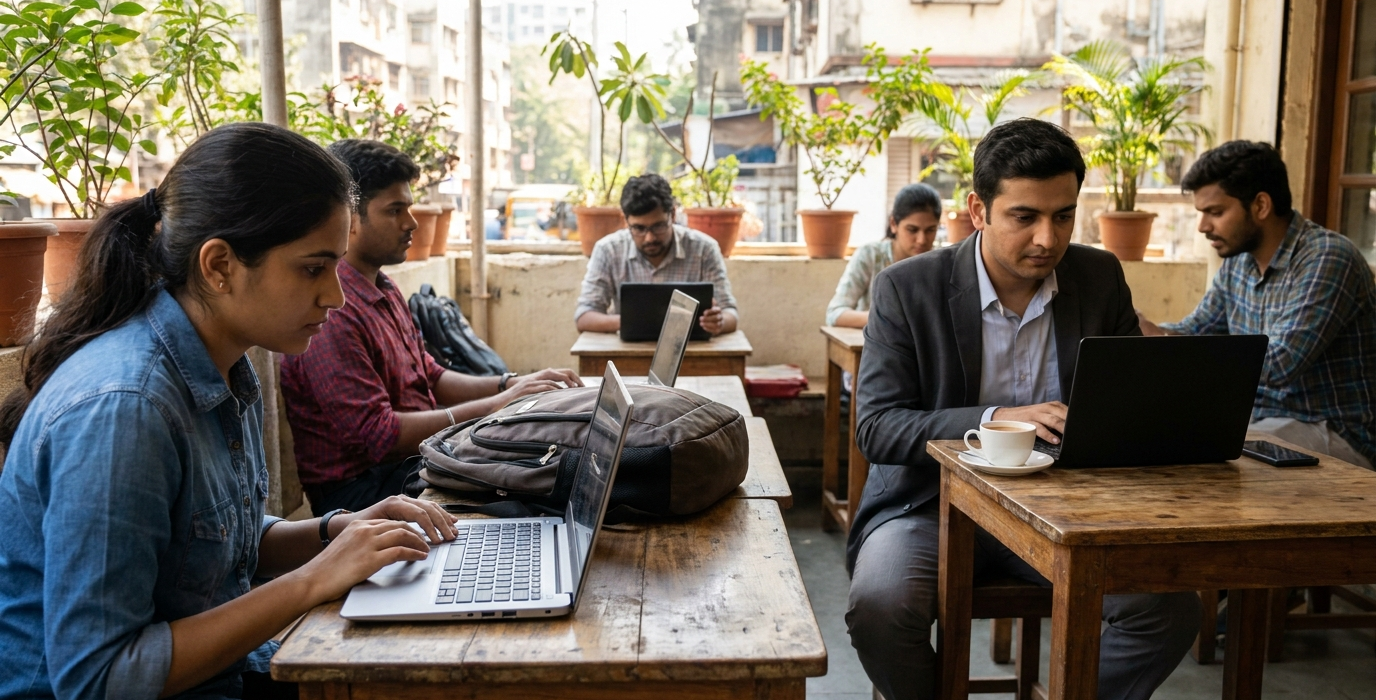
Whether you’re a student heading to college in Delhi or a professional working remotely from a co-working space in Bengaluru, getting the most out of a budget laptop requires smart choices. For students, portability and battery life are often key. A lighter laptop with a battery that can last through lectures and study sessions without needing a constant charge is invaluable. Consider models with slimmer profiles and weights under 1.5kg. Additionally, look for features that aid in note-taking, such as a comfortable keyboard and a responsive trackpad.
Professionals might prioritise connectivity and build quality. Ensure the laptop has sufficient USB-A ports for your peripherals, an HDMI port for presentations, and reliable Wi-Fi. If you frequently travel, a more robust build can be beneficial. For both groups, understanding the OS choice is critical. If you need specific Windows-only software for your studies or work, factor in the cost of a Windows license if you opt for a FreeDOS machine. Conversely, if your tasks are primarily web-based or can be handled by open-source alternatives, a Linux distribution might be perfectly suitable and save you money.
“In 2026, the barrier to entry for a capable computing device has dramatically lowered. For under ₹15,000, you can now acquire a laptop that handles everyday productivity with surprising ease, thanks to advancements in SSD technology and processor efficiency.”
For those looking to extend the life and performance of their budget laptop, regular software updates and mindful usage are key. Keep your operating system and applications updated to benefit from performance enhancements and security patches. Avoid running too many demanding applications simultaneously, and consider closing unnecessary browser tabs to free up RAM. Cleaning up temporary files and uninstalling unused programs can also help maintain system speed. Furthermore, purchasing an external mouse and keyboard can significantly enhance comfort and productivity, turning a budget laptop into a more ergonomic workstation.
Frequently Asked Questions
What is the best processor for a laptop under ₹15,000 in 2026?
For laptops under ₹15,000 in 2026, look for processors like the Intel Celeron N-series (e.g., N5100, N6000), Intel Pentium Silver, or AMD Athlon Silver/Gold. These offer a good balance of performance for everyday tasks like web browsing, document editing, and media consumption without draining the battery too quickly.
Is 8GB RAM enough for a budget laptop?
Yes, 8GB of RAM is highly recommended and generally sufficient for most budget laptops in 2026. It allows for smooth multitasking, enabling you to run multiple applications and browser tabs simultaneously without significant slowdowns. While 4GB might be found in some older or extremely low-cost models, it will likely feel restrictive for modern computing needs.
Should I buy a laptop with Windows or FreeDOS under ₹15,000?
The choice depends on your needs and budget. Windows pre-installed laptops offer immediate usability but are typically slightly more expensive. FreeDOS or Linux laptops are cheaper upfront, but you’ll need to purchase and install Windows separately if you require it, adding to the total cost. If you’re comfortable with Linux or plan to use it, it’s a cost-effective option.
How important is an SSD on a budget laptop?
An SSD (Solid State Drive) is crucial for a good user experience on any laptop, especially in the budget segment. It dramatically speeds up boot times, application loading, and overall system responsiveness compared to traditional HDDs. Even a smaller SSD (128GB or 256GB) is preferable for your operating system and essential applications.